How to Decommission Office IT Without Risk

Office IT rarely reaches end of life one device at a time. It tends to arrive in a rush: a site move, laptop refresh, server replacement, school holiday upgrade or office closure. Knowing how to decommission office IT properly turns that potentially risky clearance into a controlled process that protects data, meets environmental obligations and keeps your organisation ready for audit.
The key is to treat redundant equipment as a managed asset until its final destination is evidenced. A desktop that no longer powers on, a mobile phone with a cracked screen and an old server with no resale value may all still contain sensitive information. They may also contain materials that must be handled through the correct WEEE-compliant route.
Start with a clear decommissioning plan
Before anyone unplugs equipment, define what is being retired, who owns the decision and what needs to happen next. This is particularly valuable where IT, facilities, finance and information governance teams are involved, as each team may hold part of the information needed to make sound disposal decisions.
Create an asset inventory that records the equipment type, make, model, serial number, asset tag, location and known condition. Identify all data-bearing devices, not just laptops and desktop PCs. Servers, network storage, external drives, USB media, printers, photocopiers, tablets, smartphones, switches and some security systems can retain data.
The inventory does not need to delay an urgent clearance, but it should be accurate enough to establish accountability. If an item goes missing between an office and a recycling facility, a serial-numbered record and collection documentation provide a far stronger audit trail than a rough estimate of “several pallets of old computers”.
Separate business decisions from disposal decisions
Not every asset should be treated in the same way. Some equipment may be suitable for internal redeployment, resale, refurbishment, donation or recycling. The condition, age, specification and market demand will affect its residual value, while security requirements may affect whether reuse is appropriate.
This is where a practical IT asset disposition process pays off. A relatively recent business laptop may help offset collection or processing costs after testing, secure erasure and remarketing. An obsolete monitor or damaged printer is more likely to enter materials recycling. The correct route depends on the asset, but data security must be resolved before any reuse decision is made.
Protect data before equipment leaves your control
The most significant risk in office IT decommissioning is not usually the equipment itself. It is the information held on it. Personal data, client records, financial documents, credentials, intellectual property and email archives can remain recoverable long after a device has been removed from service.
Deleting files, emptying a recycle bin or restoring a device to factory settings is not a reliable disposal method for business data. Nor should your team assume that a failed device is safe because it cannot boot. Drives can often be removed and accessed separately, and multifunction printers may contain internal storage that is easily overlooked.
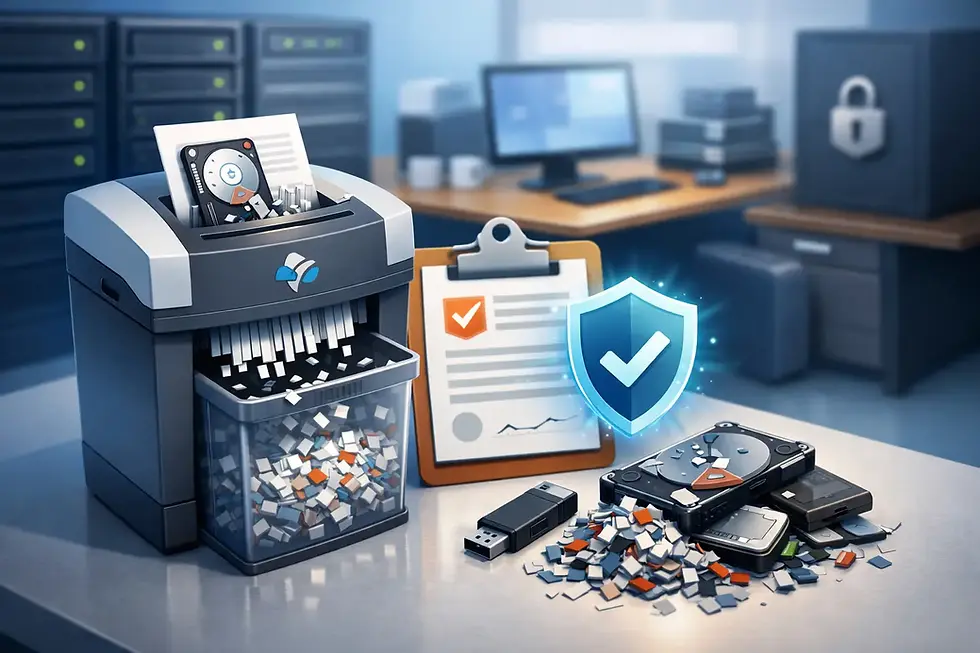
Choose a data destruction method that suits the asset and your risk profile. Secure software erasure can allow working drives to be reused where the process is verified and recorded. Physical destruction may be more appropriate for failed drives, highly sensitive data or equipment that will not be reused. In some cases, on-site destruction is preferred because it reduces the time data-bearing media spends in transit.
Your chosen provider should be able to explain exactly what happens to each device, when the data is destroyed and what evidence you will receive. A generic recycling receipt is not the same as a data destruction certificate. Ask whether certificates can be linked to serial numbers or asset tags, particularly for high-risk equipment.
Maintain a documented chain of custody
A secure process should not begin when devices arrive at a recycling facility. It starts at collection. Equipment left in an unlocked loading bay, passed informally between contractors or collected without a signed record can create an avoidable gap in your controls.
Use a provider that can establish a clear chain of custody from collection to final treatment. This normally includes collection records, asset lists where required, secure transport, controlled handling and formal reporting once data destruction and recycling have been completed. Unmarked collection vehicles can also be sensible for organisations that do not want to advertise the nature of a collection at their premises.
For larger office clearances, agree the logistics in advance. Confirm collection dates, vehicle access, parking restrictions, lift use, loading arrangements and whether equipment needs to be disconnected and packed. A well-planned collection reduces disruption for staff and avoids equipment being left unsecured while waiting for removal.
Organisations in London often face additional access constraints, from timed loading bays to limited storage space in shared buildings. The same applies to busy sites across Kent and Canterbury, Essex and East London, Reading and the Thames Valley, Cambridge and surrounding areas, and Sussex. Local collection experience can make the practical side of a decommission much easier to manage.
Meet your WEEE and data protection responsibilities
Office IT is generally covered by the UK Waste Electrical and Electronic Equipment regulations. Businesses have a duty to ensure waste electrical equipment is handled appropriately rather than entering general waste or an uncontrolled disposal route. Reputable ITAD providers should process equipment through authorised channels and provide documentation confirming its treatment.
WEEE compliance is also an environmental issue. Computers, monitors, cables, batteries and printers contain recoverable materials, but some components require specialist handling. Reuse should be considered before recycling where equipment is viable, because extending the life of a working asset can reduce waste and recover more value. However, reuse should never override data security or the needs of the recipient.
Data protection law does not prescribe one technical destruction method for every device. It does require organisations to apply appropriate security and to be able to demonstrate accountability. That makes records essential. Retain collection notes, destruction certificates, recycling evidence and any asset reports in line with your organisation’s retention policy.
If your organisation is subject to additional rules, such as public sector governance, contractual security clauses, NHS requirements or internal information classification policies, build those requirements into the scope before collection. A standard service may be sufficient for routine office equipment, while sensitive environments may need additional controls.
Prepare devices and sites for collection
A small amount of preparation can make collection safer and more efficient. Remove equipment from user desks only after confirming that files have been migrated, accounts have been disabled and the asset has been approved for retirement. Keep devices in a secure holding area rather than corridors, bin stores or reception areas.
Do not dismantle equipment simply to make it easier to move unless this has been agreed. Removing drives without recording their origin can break the audit trail, while poorly packed equipment can be damaged or create handling hazards. Clearly separate items that need on-site destruction from those approved for off-site processing.
Where practical, remove accessories such as chargers, docking stations and power supplies with their corresponding devices. These items can support reuse and avoid unnecessary waste. Batteries should also be identified, especially swollen, damaged or loose lithium-ion batteries, which need careful handling and should not be mixed casually with general IT equipment.
Choose a provider that can evidence the outcome
The right disposal partner should make the process easier for your team, not transfer risk back to you. Look for a provider that can describe its security controls, transport arrangements, downstream recycling processes and reporting clearly. Relevant ISO-led procedures, secure handling standards and formal certification are useful indicators, but ask how they are applied in practice to your collection.
You should also understand the commercial model. Free collection may be available for qualifying volumes or newer equipment with resale potential, while smaller collections or low-value items may attract a charge. Neither option is automatically better. The priority is a documented, compliant service with clear pricing and no ambiguity over who is responsible for the assets at each stage.
Bioteknik supports organisations across London and the South East with secure collection, certified data destruction, refurbishment and WEEE-compliant recycling, helping teams retire equipment without creating a hidden compliance problem.
A good office IT decommission is quiet, methodical and fully evidenced. When the final certificate is filed, you should be able to account for every significant asset, explain how its data was protected and show that its onward treatment met your organisation’s environmental responsibilities.


Comments