
Choosing a Business Laptop Recycling Service

A redundant laptop is not simply unwanted office equipment. It may still contain employee records, customer information, financial documents, saved passwords and access to cloud systems. A professional business laptop recycling service should therefore treat every collection as a controlled data-security and compliance process, not a clearance job.
For organisations replacing devices after a refresh, closing an office or clearing a storage room, the right provider removes a significant operational burden. It should collect equipment securely, account for it properly, destroy data to an agreed standard, manage WEEE recycling and provide the documents needed to demonstrate what happened. Where newer assets retain value, it should also identify opportunities for refurbishment, resale or rebates.
What a business laptop recycling service should provide
The central purpose of a business laptop recycling service is to manage retired devices from collection through to their final reuse, resale or recycling route. That begins with a clear chain of custody. Laptops should be collected by trained personnel, transported securely and recorded as they move through the process. Unmarked vehicles can be particularly useful where collections take place at sensitive sites or where organisations prefer a discreet service.
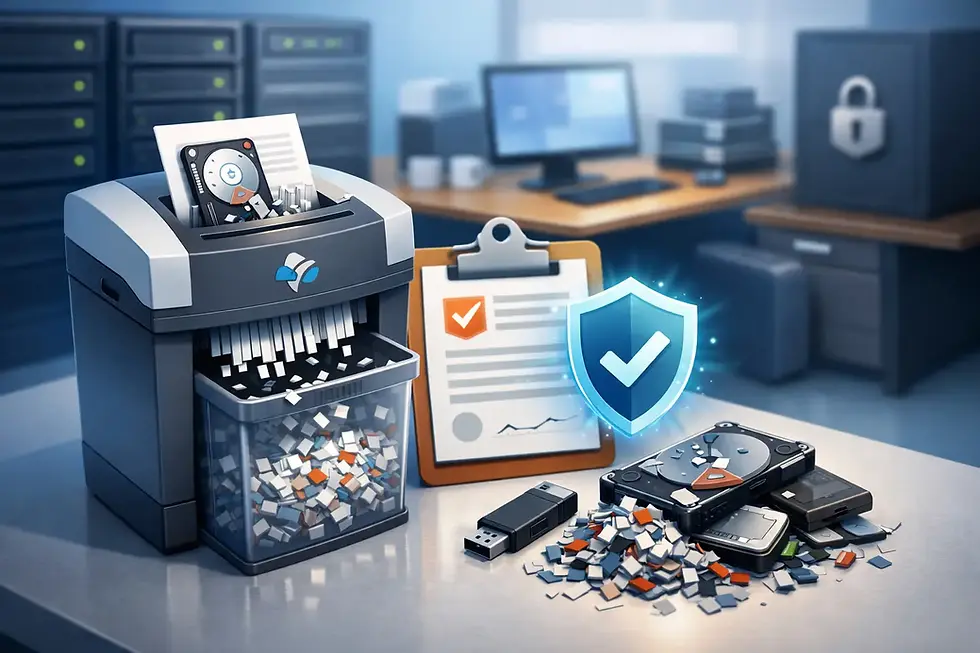
Data security must sit at the centre of this process. Deleting files, resetting a device or removing a user profile does not provide reliable assurance that data cannot be recovered. A suitable provider should offer certified data destruction methods appropriate to the device and the organisation's risk profile. This may involve secure erasure for working storage media, or physical destruction where media is damaged, obsolete or subject to stricter internal requirements.
The method matters. Secure wiping can preserve a functioning laptop for reuse, extending its life and potentially recovering value. Physical destruction provides a final outcome for storage devices that cannot be wiped or must not re-enter circulation. The right option depends on the type of drive, its condition, the sensitivity of the information and your organisation's policy. A credible supplier will explain the distinction rather than apply one approach without considering the asset.
Once data has been dealt with, reusable laptops can be tested, refurbished and remarketed. Equipment that is beyond economical repair should be dismantled and recycled through appropriate WEEE-compliant channels. Batteries require particular care because they must be separated and processed safely, rather than left inside devices sent for general recycling.
Compliance does not end when the laptop leaves site
Businesses remain responsible for choosing appropriate arrangements for personal data and electronic waste. Handing equipment to an unknown collector, donating it without a documented wipe or leaving it in a general waste stream creates avoidable exposure. GDPR and UK data protection obligations require organisations to protect personal data throughout its lifecycle, including when devices are retired.
For IT teams, facilities managers and compliance officers, documentation is what turns a disposal exercise into an auditable process. Ask what records will be issued after the collection. Depending on the agreed service, these may include asset reports, collection records, certificates of data destruction and WEEE recycling documentation. Serial-number reporting is especially valuable where you need to reconcile retired devices against an asset register, prove that a particular laptop has been processed or respond to an audit.
It is also worth checking how the provider manages subcontractors. A collection may appear straightforward, but control can be weakened when several parties handle equipment before data is destroyed. A provider with an established process, defined responsibilities and documented handovers is generally easier to assess and manage.
The collection process should fit the way your organisation works
Laptop recycling often becomes urgent at inconvenient times: after a rollout, an office move, a school holiday refresh or a departmental clear-out. A good service should make collection logistics practical, while keeping security controls intact.
Before collection, agree the equipment scope and any access requirements. This includes laptops, docking stations, chargers, monitors, tablets, mobile phones, servers and loose hard drives where relevant. Separating assets by type can make the handover faster, but your team should not have to spend days preparing equipment for a specialist provider. The service should be designed to reduce internal workload, not add another project to an already busy IT schedule.
For many organisations in London, collection timing and site access are the immediate concerns. Congested locations, loading restrictions, secure buildings and multi-floor offices all need planning. Bioteknik supports organisations across London and the South East, including Kent and Canterbury, Essex and East London, Reading and the Thames Valley, Cambridge and surrounding areas, and Sussex. Larger collections can also be arranged across the UK.
Collection costs can depend on volume, location, equipment mix and the resale potential of the assets. Qualifying volumes of reusable business equipment may support free collection, while newer laptops can sometimes generate a rebate. That said, residual value should never override the required security treatment. A laptop with commercial value still needs verified data removal before it is refurbished or remarketed.
Secure wiping, destruction and reuse: choosing the right route
There is no single disposal route that suits every laptop. A modern, working business laptop may be a strong candidate for certified wiping and refurbishment. This supports a circular approach by keeping useful equipment in service for longer, reducing waste and allowing the recovered value to contribute towards collection and processing costs.
Older machines, damaged laptops and devices with failed drives may be more suitable for component recovery and WEEE recycling. In these cases, the storage media can be physically destroyed before the remaining materials are processed. Organisations with highly confidential information, such as legal, financial, healthcare or public sector bodies, may also choose physical destruction as a matter of policy even where a drive remains operational.
On-site destruction is another consideration. It offers visibility where equipment cannot leave a secure premises with data-bearing media intact. Off-site processing can be appropriate when collection, transport and facility controls are clearly documented. The better choice depends on your governance requirements, site constraints and the level of assurance required by stakeholders.
A responsible reuse programme can also create social value. Properly wiped, tested and refurbished devices may be suitable for charities and community organisations. This only works when security and quality checks come first. A device is not ready to be donated simply because it powers on.
Questions to ask before appointing a provider
Before booking a collection, establish how the service will protect your organisation from the most common disposal failures. The following questions help distinguish a specialist ITAD partner from a basic waste collector:
How is the chain of custody recorded from collection to final processing?
Which data destruction methods are available for SSDs, hard drives and non-working devices?
Will you receive certificates and serial-number-level asset reporting where required?
How are reusable assets tested, refurbished and remarketed, and how are rebates calculated?
What happens to equipment that cannot be reused, including batteries and other hazardous components?
Does the provider operate in line with WEEE requirements and recognised quality, environmental and information-security standards?
The answers should be specific. Phrases such as “we wipe everything” or “we recycle responsibly” are not enough without an explanation of process, scope and evidence. A supplier should be able to set out what is included, identify any assumptions about asset condition or collection volume, and explain what documentation follows.
Build laptop retirement into your asset management process
The easiest time to plan secure disposal is before a laptop reaches the cupboard. Include an end-of-life route in procurement and refresh planning, maintain an accurate asset register and define who authorises disposal. When devices are allocated to leavers, record their return promptly and ensure they enter the same controlled process as other retired equipment.
Avoid storing old laptops indefinitely because the apparent convenience often becomes a risk. Devices can go missing, batteries can deteriorate, and undocumented stock makes it harder to know whether information remains accessible. Scheduled collections provide a practical way to keep storage areas clear while maintaining a repeatable, auditable process.
A reliable recycling partner should make the final stage of the laptop lifecycle feel controlled rather than uncertain. With secure collection, appropriate data destruction, WEEE-compliant processing and clear certification, retiring equipment becomes one less risk for your organisation to carry.


Comments