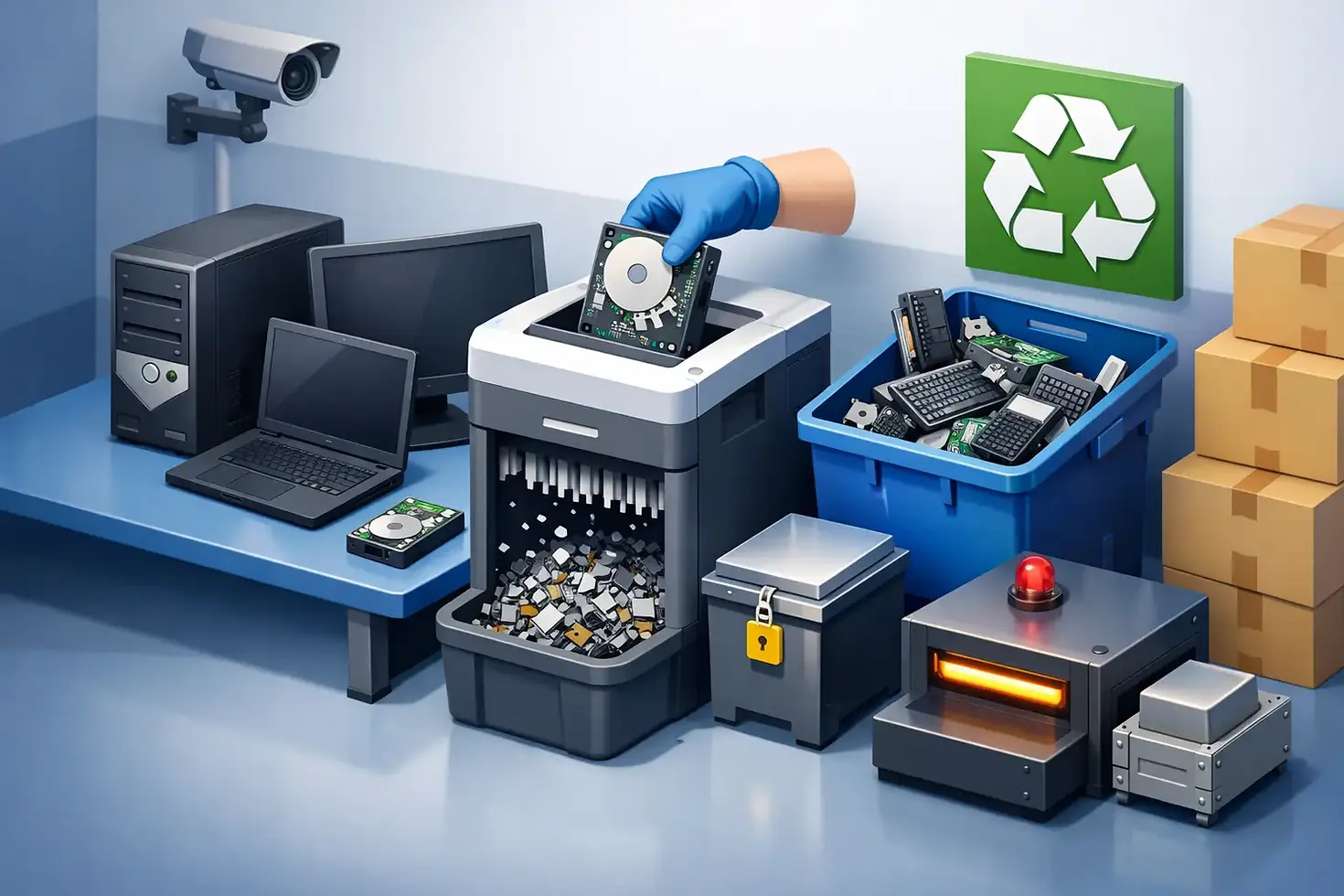
How to Dispose of Old Business Computers Safely

A cupboard full of retired laptops, desktops and servers is not simply an office-clearance job waiting to happen. Every device may contain customer records, staff information, financial files, passwords or access credentials. Knowing how to dispose of old business computers properly means protecting that data, meeting your environmental duties and retaining evidence that the equipment has been handled correctly.
For organisations, the safest route is a documented IT asset disposal process rather than an ad-hoc trip to a recycling site. That process should account for every asset from the moment it leaves your premises to its final reuse, recycling or destruction.
Start with an asset and data review
Before arranging collection, identify what is being retired and where data may be stored. The obvious devices are laptops, desktop PCs, servers and tablets, but data can also remain on external hard drives, USB sticks, network storage, mobile phones, printers, photocopiers and even some network equipment.
Create an asset list that records the make, model, serial number, department and condition of each item. Where practical, include the asset tag and whether the device has a hard disk drive, solid-state drive or removable storage. This gives your IT team a clear handover record and helps a disposal provider produce accurate reporting later.
The review also prevents useful equipment from being treated as waste unnecessarily. Newer laptops, monitors and business-grade devices may have residual value. Testing, refurbishment and resale can extend their life, reduce e-waste and, in some cases, create a rebate that offsets collection or processing costs.
Decide how data will be destroyed
Deleting files, emptying the recycle bin or resetting a computer is not secure data destruction. Data can often be recovered from a drive unless it has been erased using an appropriate verified process or the storage media has been physically destroyed.
The right method depends on the device, the information it held and your organisation's risk profile. A working drive may be securely wiped with specialist software and verification, allowing the computer to be refurbished or reused. This is often the most environmentally responsible option for suitable assets. If a drive is faulty, highly sensitive or cannot be reliably wiped, physical shredding or destruction may be the better choice.
Wiping and shredding serve different purposes
Secure wiping preserves a usable device and supports asset recovery. It should produce a record confirming the media has been processed and whether the wipe passed verification. Physical destruction renders the storage media unusable, which can provide additional assurance for sensitive data or failed drives, but it removes any opportunity to reuse that component.
Some organisations need on-site data destruction because of internal policy, regulated information or operational sensitivity. Others are comfortable with secure off-site processing once the equipment has been placed in tamper-evident containers and transported under a documented chain of custody. Neither option is automatically right for every business. What matters is that the chosen method is proportionate, controlled and evidenced.
Keep control of the chain of custody
A computer remains your organisation's responsibility when it is removed from a desk, not when it reaches a recycler. That is why secure collection and transport should be part of the disposal decision, particularly for businesses handling personal data, confidential commercial information or public sector records.
Use a provider that can record collection details, manage assets securely in transit and account for devices at receipt. Unmarked vehicles may be appropriate where a visible technology collection could create unwanted attention. Locked cages, sealed containers and trained collection personnel all reduce the chance of equipment going missing between your premises and the processing facility.
Ask what happens if there is a discrepancy between the collection list and the equipment received. A credible IT asset disposal partner will have a process for investigating exceptions, rather than treating a missing device as an administrative inconvenience.
Meet UK data protection and WEEE responsibilities
Under UK data protection law, organisations need appropriate technical and organisational measures to protect personal data. When computers are retired, that duty does not disappear. If a third party handles your equipment and any personal data on it, you should be confident that its procedures support your own data protection obligations.
Old electrical equipment also falls within the wider WEEE framework. Business computers should not be placed in general waste or disposed of through an unverified operator. Responsible recycling separates materials for recovery and ensures hazardous or non-recyclable components are handled through the correct channels.
For IT managers and compliance teams, the practical question is not only whether a supplier says it recycles responsibly. It is whether it can demonstrate how assets were processed, how data-bearing media was handled and where the final materials went. Documentation is what turns a verbal assurance into an auditable record.
Request the documents before you need them
Good disposal records make audits, insurance reviews and internal governance far easier. Agree the documentation you need before collection takes place, especially if your organisation works to formal security, environmental or procurement requirements.
A complete disposal file will commonly include:
a collection note or asset transfer record;
an itemised asset report, ideally including serial numbers;
data destruction or secure wiping certificates for relevant media;
a WEEE recycling or disposal certificate; and
resale or rebate reporting where reusable equipment has been recovered.
The level of detail should reflect the sensitivity and scale of the disposal. A small office refresh may need straightforward asset and destruction records. A university, healthcare setting, school, financial firm or public body may require more detailed reporting, named procedures and evidence suitable for a compliance audit.
Prepare equipment without creating new risks
Your internal preparation should be simple and controlled. Do not allow employees to take old devices home, give them away informally or leave them in unsecured areas while waiting for collection. Those practices create gaps in accountability and make it difficult to prove what happened to each asset.
Remove devices from service, revoke user access and record their status in your asset register. Keep equipment in a restricted area until collection. If your IT team plans to remove drives before handover, make sure the drives are tracked separately from the computer chassis. A laptop without its drive may still be reusable, while a loose drive must remain under the same level of security as the original device.
It also helps to retain power supplies, docking stations and matching accessories where practical. Complete, tested equipment is easier to refurbish, which can improve recovery value and reduce unnecessary recycling.
Choose a disposal provider, not just a collector
The lowest collection price is rarely the best measure of value. A provider may collect equipment cheaply while offering limited visibility over data destruction, downstream recycling or asset reporting. The potential cost of a data breach, missing device or failed audit is usually far greater than the cost of using a properly managed service.
Look for a specialist that can explain its handling process in plain terms: collection, secure transport, asset logging, data destruction, testing, refurbishment, resale and recycling. Ask whether it offers on-site and off-site destruction, whether collection can be arranged around your operational needs, and how it manages equipment that has no resale value.
For businesses across London, Kent and Canterbury, Essex and East London, Reading and the Thames Valley, Cambridge and surrounding areas, and Sussex, regional collection capacity can make retirement projects much easier to coordinate. Bioteknik supports organisations with secure IT asset disposal, documented data destruction and WEEE-compliant recycling, with wider UK coverage available for larger collections.
Plan disposal into your refresh cycle
Computer disposal works best when it is planned alongside procurement and replacement, rather than left until storage becomes a problem. Set a retirement point for each device type, maintain an accurate asset register and book collection shortly after new equipment is deployed. This reduces the number of unmanaged devices held on site and gives you a clearer view of potential resale value.
A scheduled approach also helps departments avoid unnecessary downtime. Equipment can be collected in stages, with priority given to data-bearing assets, obsolete servers or devices from office moves. For larger clearances, agree collection dates, access requirements, loading arrangements and the documentation timeline in advance.
The best outcome is not simply an empty storeroom. It is a clear record showing that every old business computer was secured, processed responsibly and, wherever possible, given a useful second life. That confidence lets your team focus on the next technology project rather than wondering where last year's devices ended up.


Comments